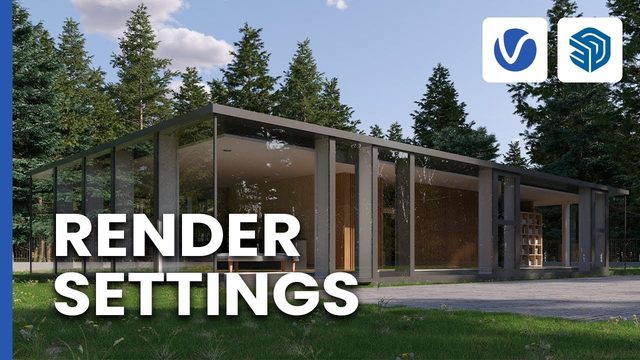
Free V-Ray for SketchUp Scene: Render Settings Practice (Chaos)
This is the official Chaos 'Getting Started' practice scene for the video Render settings in V-Ray for SketchUp explained, published by the Chaos V-Ray team.
View ProjectV-Ray projects for SketchUp: 7 free project files with notes on what each one demonstrates, linked to their original sources.
7 free project files
This is the official Chaos 'Getting Started' practice scene for the video Render settings in V-Ray for SketchUp explained, published by the Chaos V-Ray team.
View Project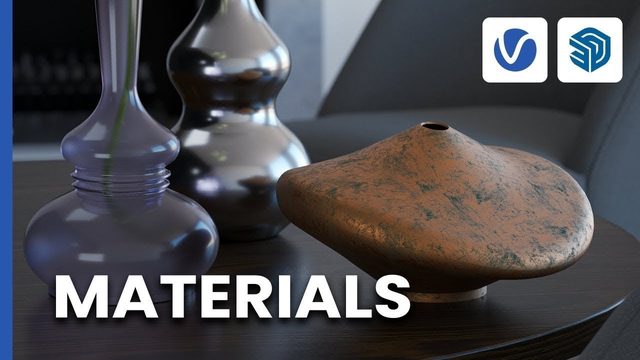
This official Chaos 'Getting Started' practice scene accompanies the Chaos V-Ray video Working with materials in V-Ray for SketchUp.
View Project
This is the official Chaos 'Getting Started' practice scene for the Chaos V-Ray video Lighting your scene in V-Ray for SketchUp.
View Project
This is the practice scene from the official V-Ray for SketchUp documentation, paired with Chaos' 'Getting started' onboarding video.
View Project
This practice scene belongs to the final episode of Chaos' 'Setting up a project from start to finish' series for V-Ray for SketchUp, published by the Chaos V-Ray team.
View Project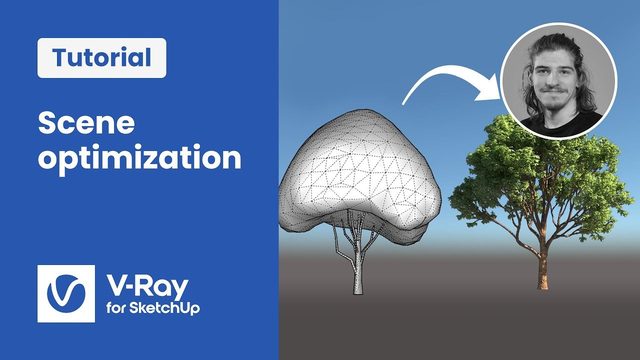
This practice scene comes from Chaos' 'Setting up a project from start to finish' series for V-Ray for SketchUp, published by the Chaos V-Ray team.
View Project
This is the practice scene for 'Populating your scene, Part 1: Placing Chaos Cosmos Assets' from the official Complete Project Setup series in the V-Ray for SketchUp documentation, presented by Chaos' Boyan Petrov.
View Project