Free V-Ray for SketchUp Animation Scene: Export Tutorial (Chaos)
Original title: V-Ray for SketchUp tutorial — Creating and exporting animations
Overview
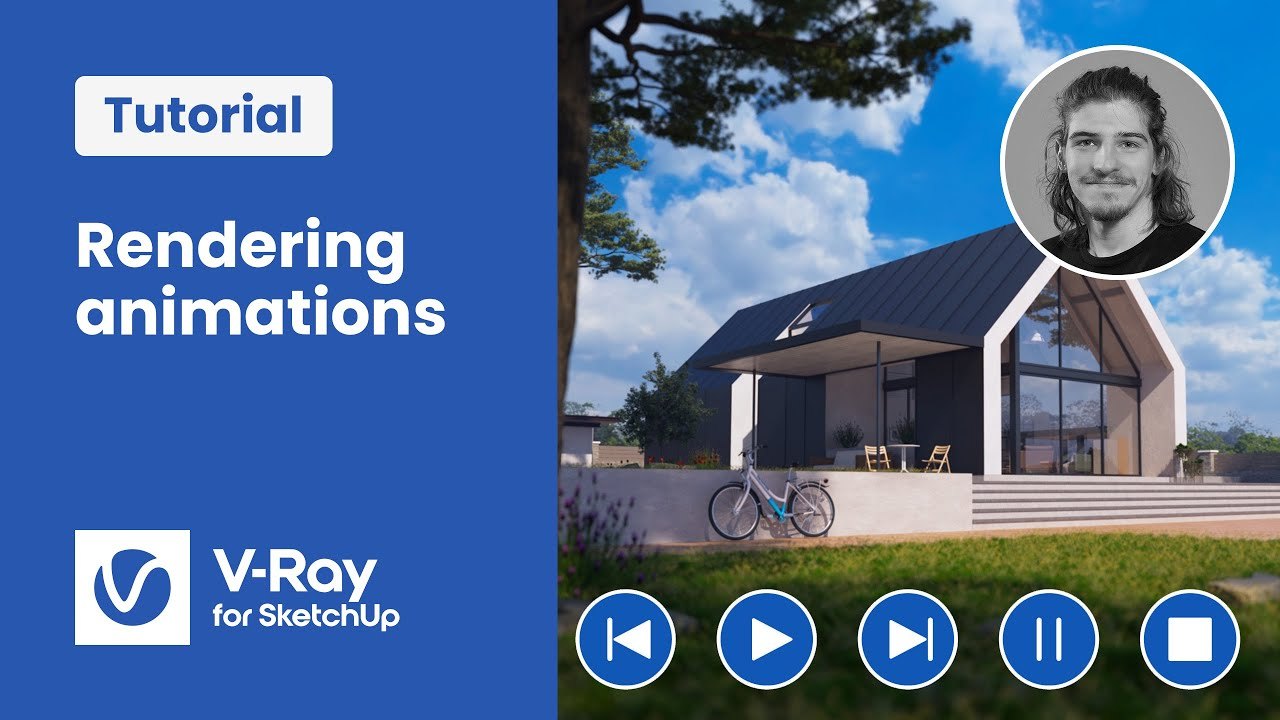
This practice scene belongs to the final episode of Chaos' 'Setting up a project from start to finish' series for V-Ray for SketchUp, published by the Chaos V-Ray team. It is the exterior and interior archviz project used throughout the series, here prepared to preview an animation in V-Ray Vision and then render the final animation with V-Ray, with Chaos Cloud covered too.
The scene is shared as 20_Animation_Export.zip through a Google Drive link in the video description, free to download, while the series' scene assets live in a separate shared Drive folder. V-Ray for SketchUp is required, and the file suits users moving from still images into animation.
What You Can Learn
- Previewing an animation in V-Ray Vision before the final render
- Rendering and exporting the final animation with V-Ray
Access: Free direct download