Free V-Ray for SketchUp Scene: Proxy and Geometry Optimization
Original title: V-Ray for SketchUp tutorial — Tips on optimizing scene geometry
Overview
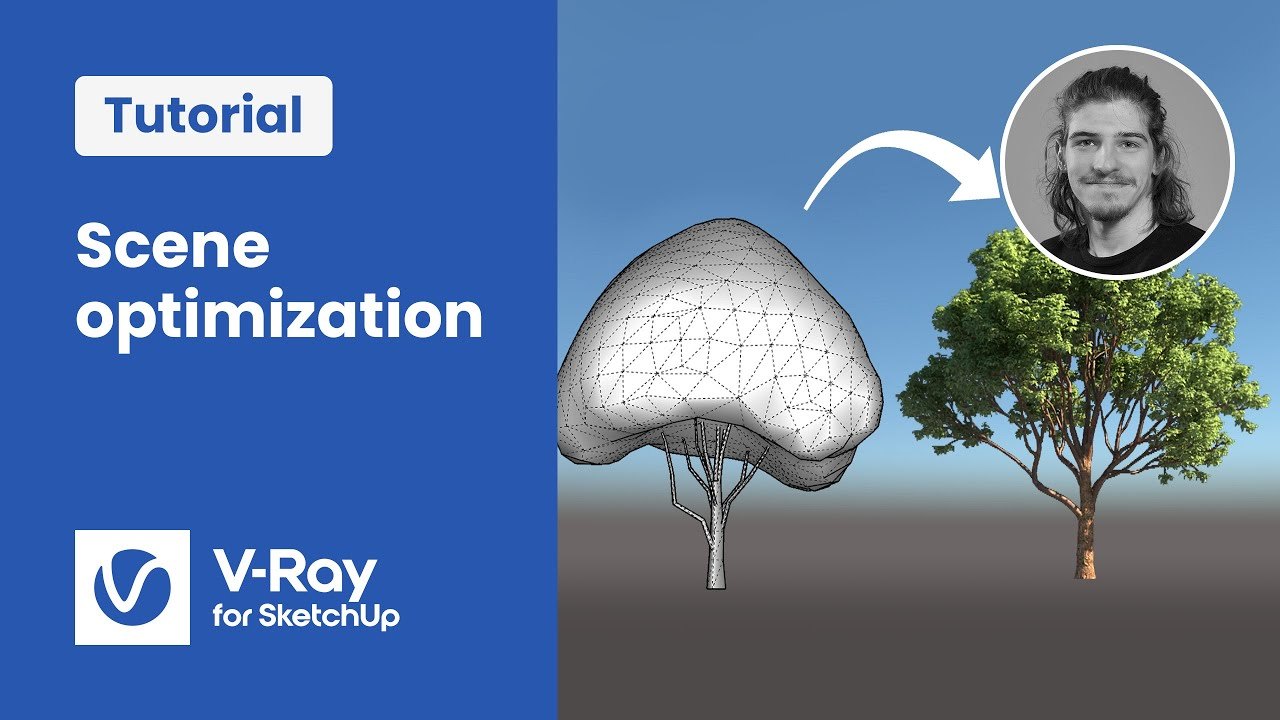
This practice scene comes from Chaos' 'Setting up a project from start to finish' series for V-Ray for SketchUp, published by the Chaos V-Ray team. Using the series' archviz project, it demonstrates how to keep a heavy scene interactive by comparing V-Ray proxy meshes with proxy scenes and with Chaos Cosmos 'smart' models on real project geometry.
The scene is shared as '08_ Tips on optimizing scene geometry.zip' via a Google Drive link in the video description, free to download, while the series' scene assets sit in a separate Drive folder. It is useful for anyone whose SketchUp scenes become slow as detail grows.
What You Can Learn
- Comparing V-Ray proxy meshes vs. proxy scenes
- Using Chaos Cosmos 'smart' models to keep heavy scenes interactive
Access: Free direct download