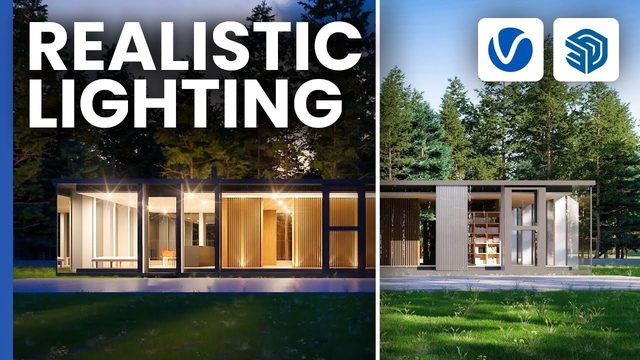
Free V-Ray for SketchUp Scene: Render Settings Practice (Chaos)
Original title: Render settings in V-Ray for SketchUp explained
Overview
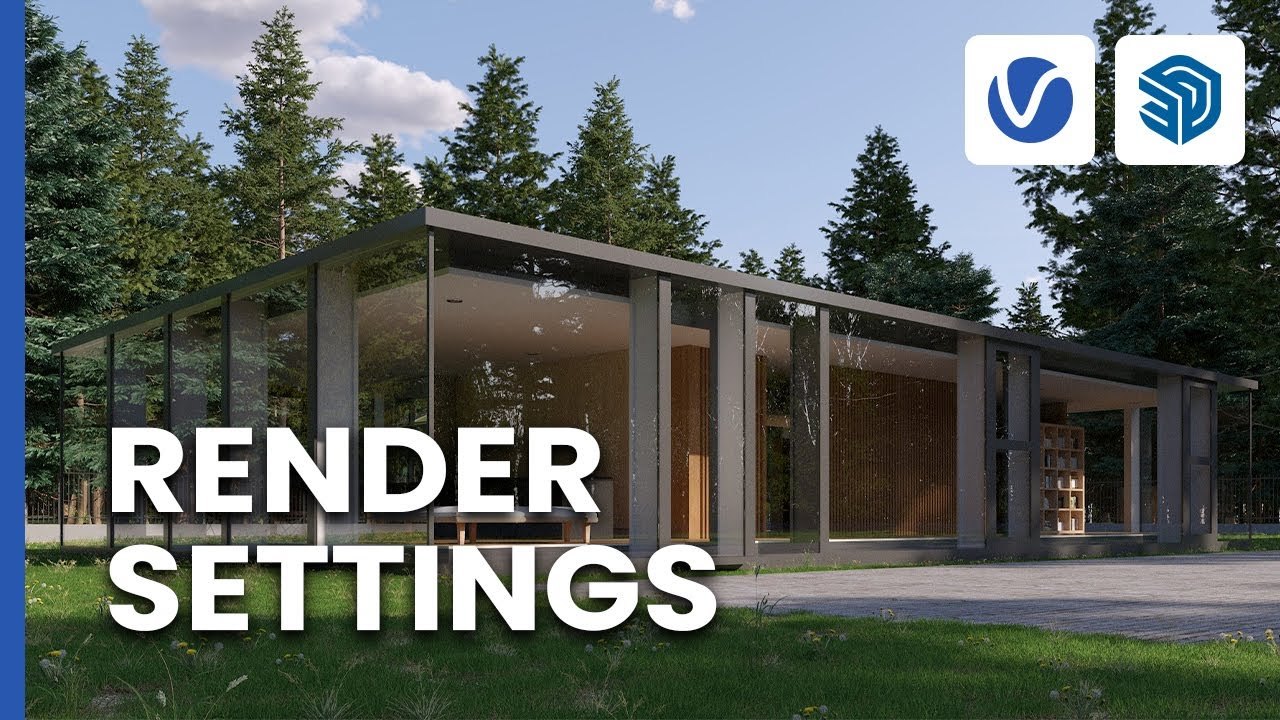
This is the official Chaos 'Getting Started' practice scene for the video Render settings in V-Ray for SketchUp explained, published by the Chaos V-Ray team. It is a small architectural visualization scene used to walk through V-Ray render settings: progressive versus bucket rendering, quality and resolution for still images, and rendering on Chaos Cloud.
The scene is provided as Getting_Started_V-Ray_SketchUp_Render_Settings_Stills_Scene.zip through a Google Drive link in the video description, free to download; V-Ray for SketchUp is required, and the SketchUp version is not stated. It is a good first exercise for beginners learning V-Ray 6 render output.
What You Can Learn
- Progressive vs. bucket rendering in V-Ray for SketchUp
- Setting render quality and resolution for still images
- Rendering a V-Ray scene on Chaos Cloud
Access: Free direct download