Free V-Ray for SketchUp Scene: Lighting Practice with Light Mix
Original title: Lighting your scene in V-Ray for SketchUp
Overview
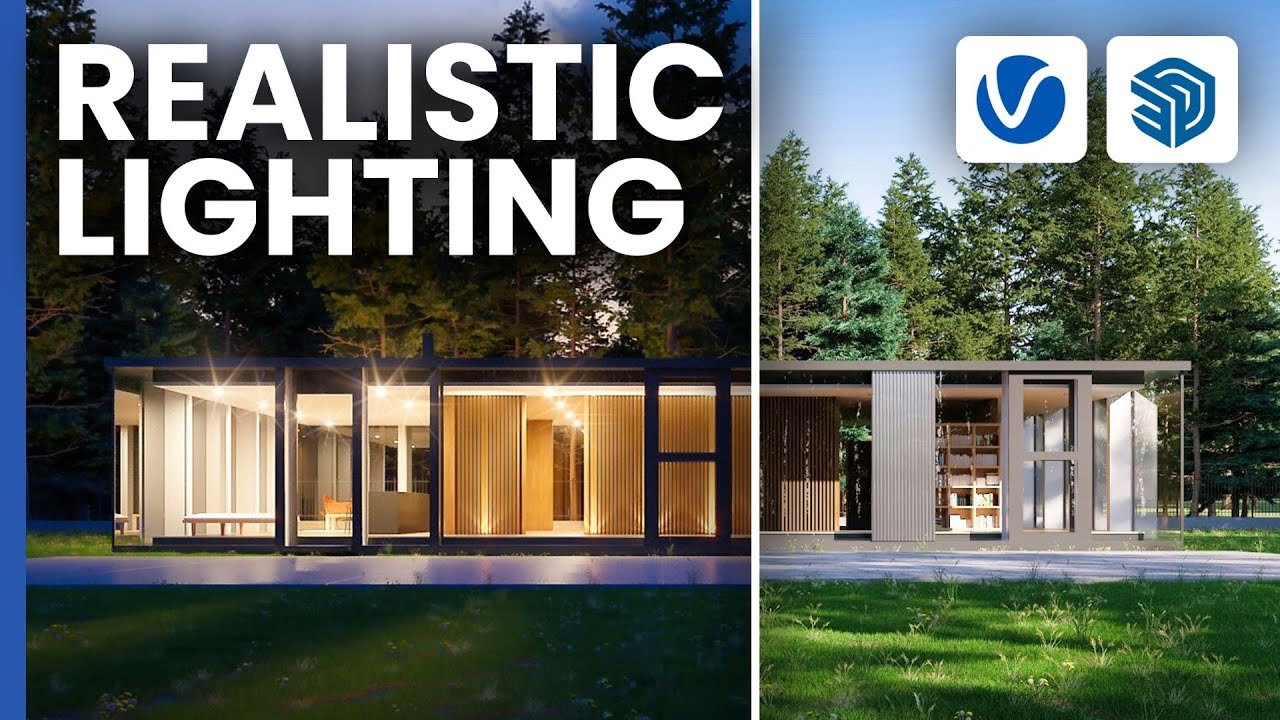
This is the official Chaos 'Getting Started' practice scene for the Chaos V-Ray video Lighting your scene in V-Ray for SketchUp. The archviz SketchUp scene is set up for lighting exercises: V-Ray Sun & Sky for daylight, image-based lighting with an HDRI, placing artificial lights, and adjusting each light source after rendering with Light Mix.
The scene comes as Getting_Started_V-Ray_SketchUp_Lighting_Scene.zip through a Google Drive link in the video description, free to download; V-Ray for SketchUp is required to use the lights and Light Mix. It is well suited to beginners who want to understand how V-Ray 6 lighting works in an architectural scene.
What You Can Learn
- V-Ray Sun & Sky daylight setup
- Image-based (HDRI) lighting
- Placing artificial lights in an archviz scene
- Tuning light sources in post with Light Mix
Access: Free direct download