Free V-Ray for SketchUp Getting Started Scene (Chaos Onboarding)
Original title: Getting started (V-Ray for SketchUp Onboarding) – practice scene
Overview
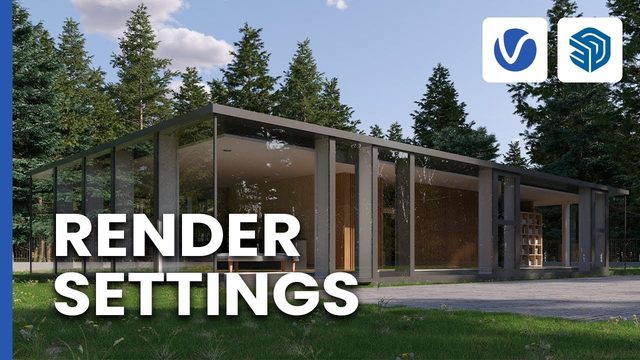
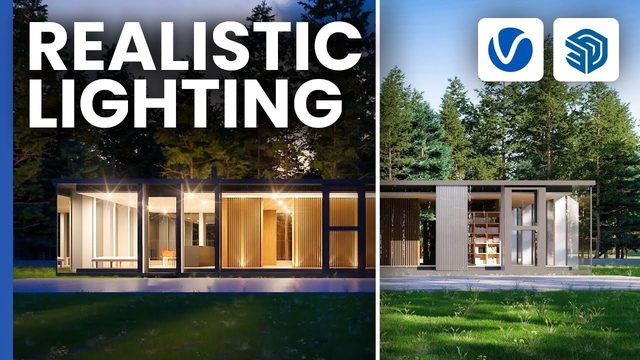
This is the practice scene from the official V-Ray for SketchUp documentation, paired with Chaos' 'Getting started' onboarding video. It is a furnished architectural scene used to learn the V-Ray for SketchUp UI from start to finish: creating a camera, setting up lighting, placing Chaos Cosmos assets and finishing the image with post-processing in the V-Ray Frame Buffer.
The scene ships as Getting_Started_V-Ray_SketchUp_UI_Scene.zip (about 739 MB) with the SketchUp file inside, shared through a Google Drive link on the documentation page with no login required; V-Ray for SketchUp must be installed to render it. It is the natural first project for anyone new to V-Ray in SketchUp.
What You Can Learn
- Navigating the V-Ray for SketchUp UI on a real scene
- Creating a camera and setting up lighting for a furnished scene
- Placing Chaos Cosmos assets
- Post-processing in the V-Ray Frame Buffer
Access: Free direct download