Free Revit 2025 Bridge BIM Sample: Navisworks Switchback Workflow
Original title: Navisworks와 Revit의 Switchback 기능 활용 (샘플_교량BIM데이터.rvt)
Overview
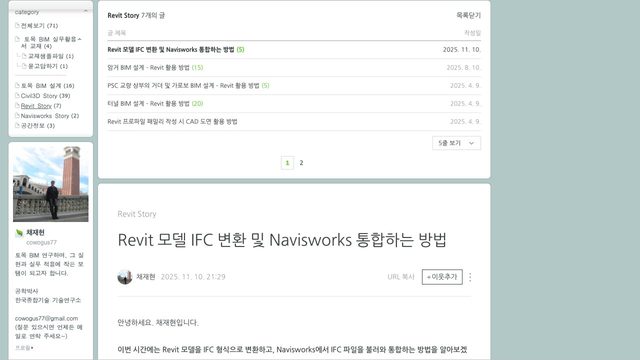
샘플_교량BIM데이터.rvt is a bridge BIM sample model saved in Revit 2025, attached to a Korean tutorial by 채재현 (civil BIM Naver blog) on the Navisworks–Revit Switchback workflow. The model covers civil and structural bridge elements and is intended for practising NWC export with the Navisworks NWC Export Utility and then jumping from a clash or review point in Navisworks straight back to the corresponding Revit element.
The single .rvt file is attached directly to the blog post and downloads free without registration. It is a compact starting point for civil engineers and BIM coordinators learning Revit–Navisworks collaboration.
What You Can Learn
- Exporting NWC from Revit for Navisworks review
- Switchback: jumping from Navisworks review points to Revit elements
Access: Free direct download