Free Premiere Pro Project: 3D Parallax Zoom Transition (Cinecom)
Original title: 3D zoom Transition Premiere Pro Project
Overview
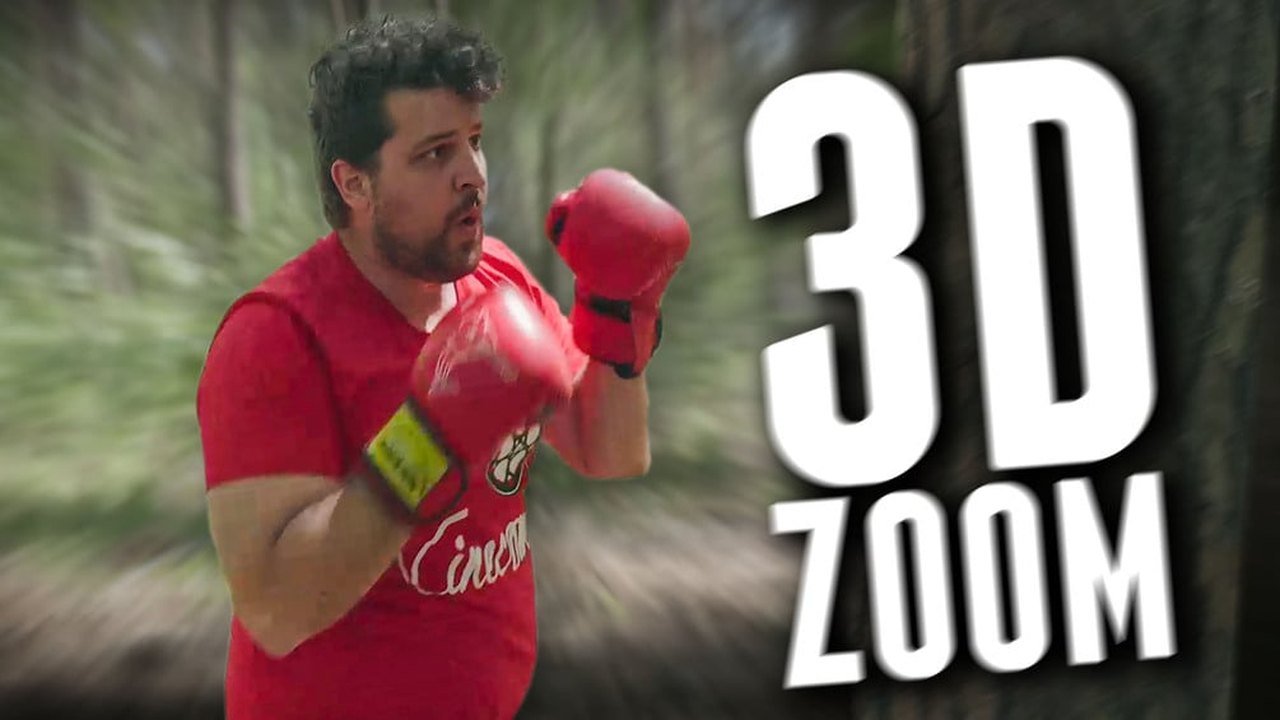
Project file for Cinecom's 3D parallax zoom transition tutorial, made in Premiere Pro 2017. A photo is first separated into layers in Photoshop, and those layers are then animated in Premiere with scale and position keyframes so the camera appears to push into the image, creating a fake-3D transition between clips; no plugins are named.
The .prproj (about 22 MB) is a pay-what-you-want ($0+) download on Gumroad that requires an email address and is intended for personal use, and Cinecom points to a downgrade tool (joshcluderay.com) for opening files saved in a newer version. A classic technique worth learning frame by frame.
What You Can Learn
- Parallax push-in from a photo separated into layers in Photoshop
- Scale/position keyframes that create a fake-3D push-in between clips
Access: Free (email signup)